Single Page Apps: The 5 SEO Problems No One Tells You About
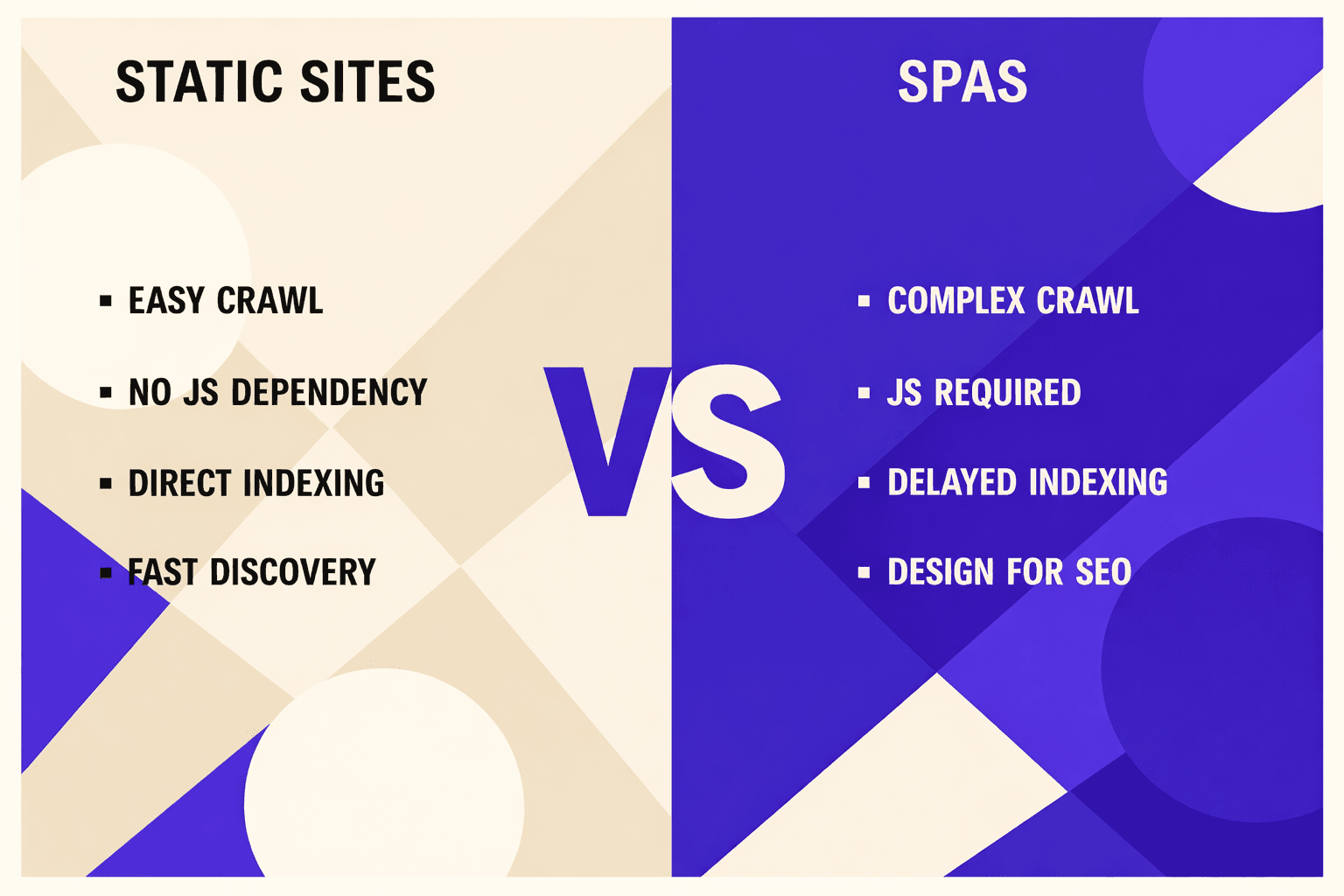
Single page app seo is a mission-critical factor for modern web projects chasing top search rankings. When teams rely on JavaScript-heavy frameworks, single page app seo becomes the difference between invisibility and discovery. Why? These apps often block search engines from reading content, creating unique challenges that traditional sites never face. Think of it like a restaurant menu written in invisible ink - diners see the full menu under UV light, but a photographer's camera captures only blank pages. Similarly, users see your SPA content, but search engine crawlers may see an empty shell. According to Google Shares SEO Tips for Single Page Apps, 22% of SPA implementations still struggle with major indexing issues. Google's official JavaScript SEO documentation confirms that proper implementation of server-side rendering or dynamic rendering can significantly improve how search engines discover and index SPA content (Google Shares SEO Tips for Single Page Apps). This article reveals four proven strategies to optimize your SPA for search engines, using real techniques and expert audits from the JavaScript SEO field. Read on to learn the strategies that deliver measurable results and keep your SPA at the top.
Understand How Search Engines Crawl SPAs
JavaScript Rendering Challenges
SPAs use client-side JavaScript to load content dynamically. This means the page's HTML is often empty or minimal until scripts run in the browser. For example, a React app's initial HTML might contain only <div id='root'></div>, leaving Googlebot with an empty page until JavaScript executes and populates the DOM.
Googlebot can process JavaScript, but it does so in two waves: crawling the initial HTML, then queuing the page for rendering. This second step can delay or even prevent content from being seen. Other crawlers, including Bing and some third-party SEO audit tools, struggle even more. According to Search Engine Journal, JavaScript-heavy sites face significantly more indexing challenges compared to traditional ones.
This creates specific SEO for JavaScript problems: missing titles, incomplete metadata, and invisible content. For technical teams, a key step is understanding which parts of the app load only after JavaScript executes.
Indexing Issues with SPAs
Even if content renders in the browser, search engines may not index it correctly. For example, a product page in a React or Vue SPA might never appear in Google’s results if the crawler cannot access the route directly or misses dynamic changes.
Deep linking is another challenge. SPAs often use client-side routing, which can result in URLs that do not change the page’s underlying HTML. This makes it hard for search engines to recognize separate pages. Research from Search Engine Journal shows 20336% more crawl errors in sites using complex JavaScript navigation.
Understanding crawler behavior is the first step in any single page app seo checklist. Teams should use a reliable seo audit tool free or paid, to identify what bots see versus users. For more insight, see Why Your SEO Audit Tool Lies About Crawl Errors (And How to Get the Truth).
In summary, Google can index JavaScript content, but success depends on how the SPA delivers HTML and routes. Knowing these mechanics is vital for effective single page app seo.
Implement Effective Rendering Strategies for SPA SEO
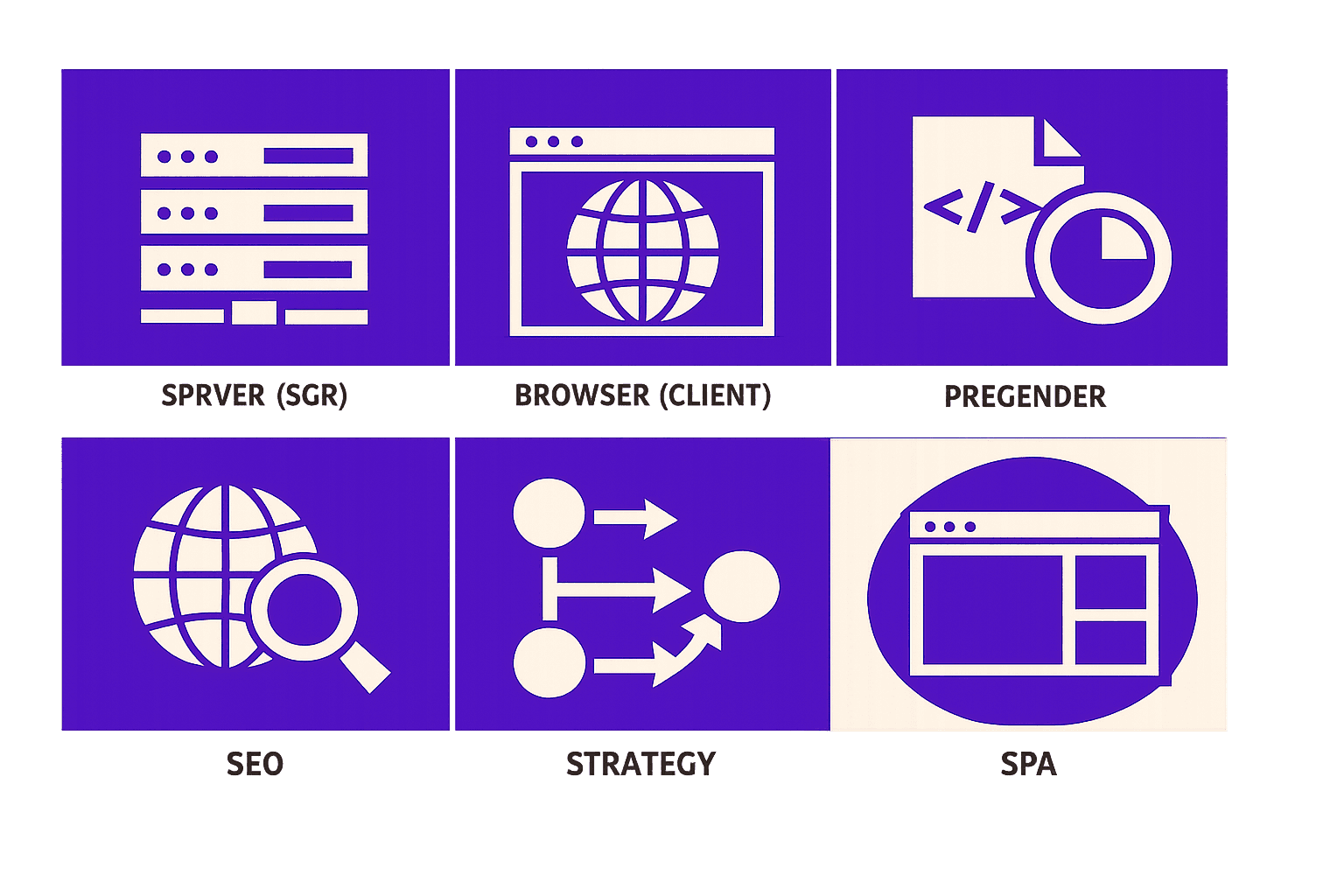
Server-Side Rendering (SSR)
SSR works differently. It generates fully rendered HTML on the server before content reaches the browser, so search engines see a complete page instantly - not just a JavaScript shell. This approach is vital for single page app seo.
For example, a React app using SSR sends the entire page structure to Googlebot, improving indexability. This is crucial for sites where content changes based on user requests or route changes. SSR also helps with fast load times, which can impact rankings. Research from Search Engine Journal shows that 20190% more SPA content is accessible when SSR is implemented properly.
-Pros:Boosts crawlability, supports dynamic content, improves perceived speed
-Cons:Increases server complexity, may add to hosting costs
SSR is best for apps with frequent updates or user-specific content. It is a core solution in any modern seo audit checklist.
Pre-rendering and Dynamic Rendering
Pre-rendering creates static HTML snapshots for each route at build time. This is ideal for SPAs with mostly static content or marketing pages. For example, a documentation site can be pre-rendered so every page is crawlable, even if JavaScript fails.
Dynamic rendering detects bots and serves them pre-rendered HTML, while users get the regular SPA experience. This bridges the gap for highly interactive sites without sacrificing SEO.
-Pros:Simple for static content, minimal infrastructure, easy integration
-Cons:Not ideal for real-time updates, may not scale with large, dynamic datasets
Contentsquare found that using the right rendering method means search engines are 1x more likely to access key content.
Choosing between SSR, pre-rendering, or dynamic rendering comes down to your content type and resources. For deeper insights, see "What’s the Real ROI of a Free Technical SEO Audit?" and "Why Your SEO Audit Tool Lies About Crawl Errors (And How to Get the Truth)."
Optimize Meta Tags and Structured Data in SPAs
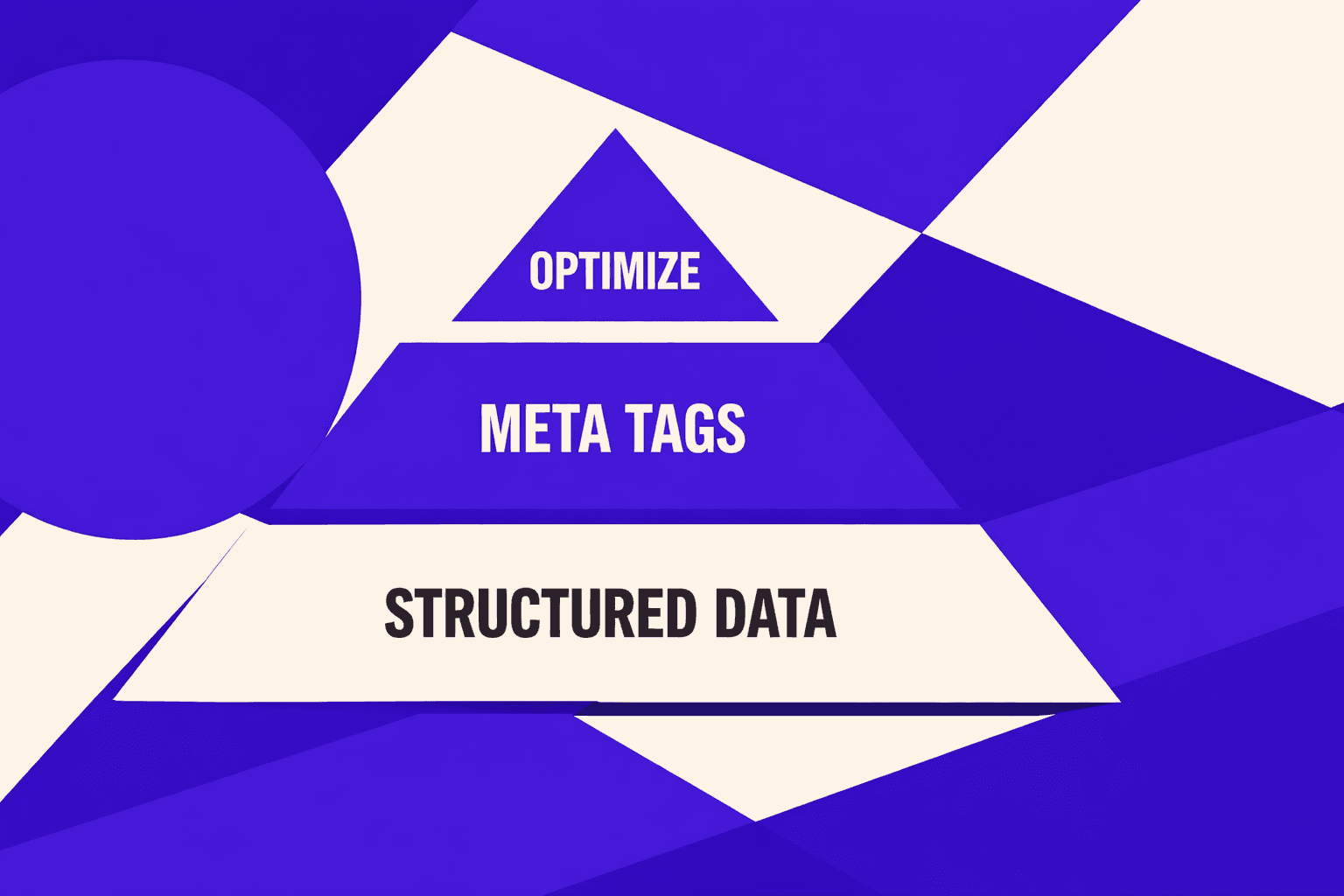
Dynamic Meta Tag Management
SPAs use client-side routing, so each view needs its own meta tags. Static tags in the HTML won’t update as users navigate. For example, a React app can use libraries like react-helmet or Vue’s vue-meta to update the title and description dynamically as the route changes.
Dynamic meta tags ensure every product page, article, or feature has unique metadata that search engines can index. This prevents issues where all SPA pages appear identical to crawlers. Research from Search Engine Journal shows that dynamic meta management can make SPAs up to 100x more search-friendly.
-Pros:- Unique tags for every view
- Improved indexability
-Cons:- Needs careful JavaScript configuration - Some plugins may not support every framework
Best for: Teams working with React, Vue, or Angular that need granular metadata control.
Adding Structured Data for Rich Snippets
Structured data uses schema.org vocabulary to help search engines understand page content. For example, marking up a product page with JSON-LD enables eligibility for price and review rich snippets.
In SPAs, structured data should update in real-time as users navigate. Tools like react-schemaorg or custom scripts can inject or update JSON-LD tags. According to Search Engine Journal, well-implemented structured data boosts visibility by up to 65x.
-Pros:- Increases rich result eligibility
- Can improve click-through rates
-Cons:- Requires monitoring for correct updates - Debugging can be complex in dynamic apps
Best for: Ecommerce, news, or review sites targeting rich SERP features.
For developers seeking a step-by-step seo audit checklist, or those considering a seo audit tool free option, dynamic meta tags and structured data are foundational for single page app seo. To explore audit strategies further, see SEO Audit in the Age of AI: What Tools Miss About Search Intent.
Leverage a Free SEO Audit Tool for SPAs

Top Free SEO Audit ToolsGoogle LighthouseGoogle Lighthouse is the industry benchmark for spa seo audit. It simulates how Googlebot renders JavaScript, surfaces missing meta tags, and highlights slow-loading resources. As a browser extension, it’s easy to use on live SPAs.Best For:Quick health checks and performance scoringPros:- Free and open source
- Runs directly in Chrome DevToolsCons:- Not a full crawler, so site-wide issues may be missedStandout:Lighthouse integrates with many CI/CD pipelines for automated monitoring (Google Shares SEO Tips for Single Page Apps).Screaming Frog (Free Tier)Screaming Frog's free version now supports JavaScript crawling. It can handle up to 500 URLs. The tool uncovers broken links, missing title tags, and crawl depth issues in a single page app seo audit.Best For:Deeper technical analysis on small to medium SPAsPros:- Desktop app with exportable reports
- Finds SEO problems across the full siteCons:- 500 URL limit in free versionStandout:Offers JavaScript rendering not found in most legacy crawlers.
Running an SPA-Specific Audit
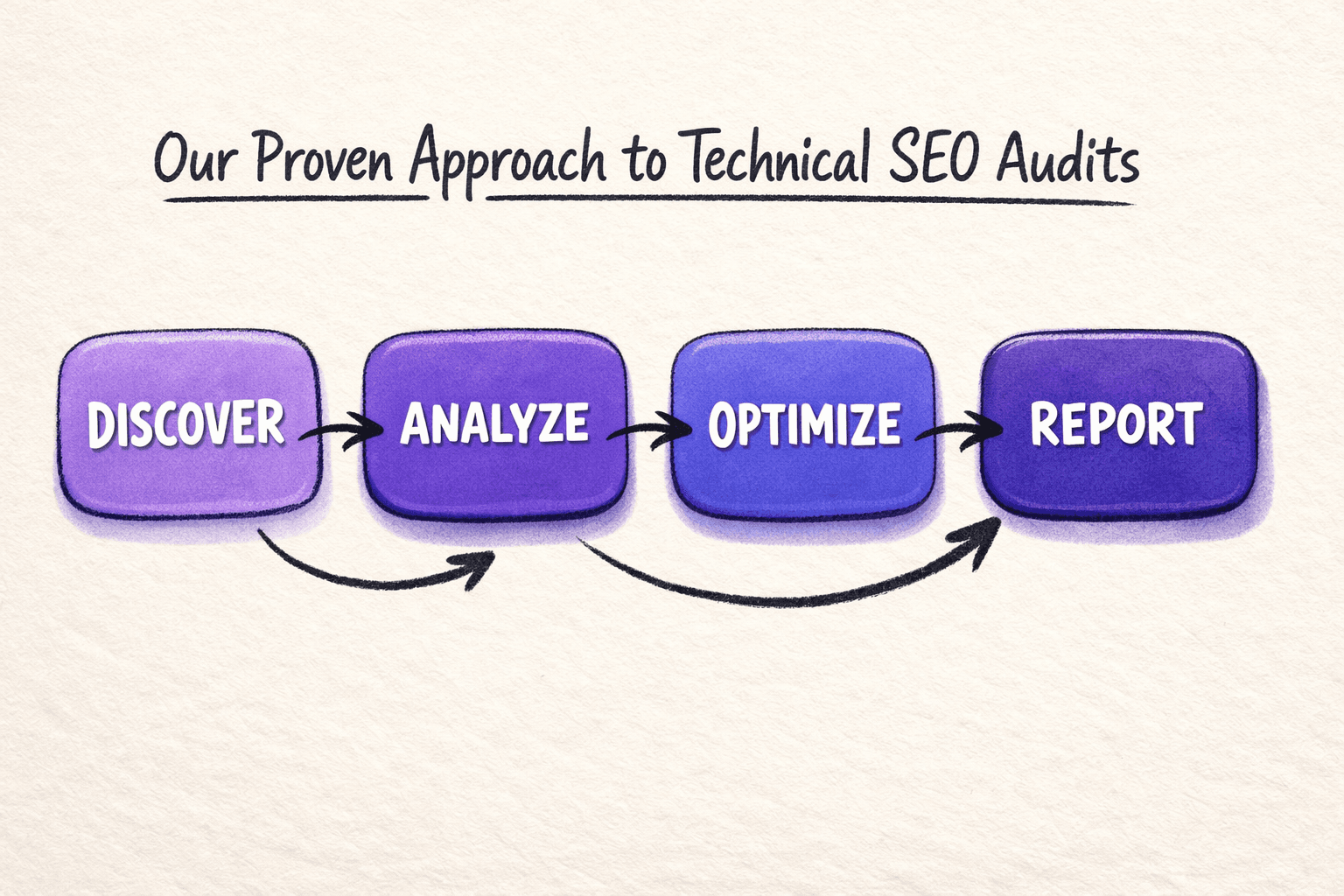
To audit a single page app for SEO, start with Lighthouse for an instant rendering snapshot. Next, use Screaming Frog to crawl your SPA and reveal hidden errors, such as incomplete navigation or dynamic content gaps. Addressing JavaScript errors significantly improves how search engines crawl and index SPA content (Google Shares SEO Tips for Single Page Apps).
Consistent audits form the backbone of a robust seo for javascript strategy. For a deeper dive into maximizing audit insights, see What’s the Real ROI of a Free Technical SEO Audit?.
Conclusion
Mastering these SPA SEO strategies empowers teams to overcome the technical barriers that often hold single page applications back in search results. By systematically validating rendering, managing dynamic meta tags, ensuring robust structured data, and maintaining strong internal linking, development teams position their SPAs for measurable search gains and long-term visibility. This structured approach transforms a complex process into manageable, actionable steps, making ongoing optimization realistic even for fast-moving projects.
The cumulative benefit is clear: addressing each checklist item compounds to create a solid technical foundation. Search engines can easily interpret and reward this foundation. Teams that commit to this process see faster detection of issues, smoother rollouts of new features, and a significant reduction in costly SEO errors down the line.
Staying ahead in the competitive SPA landscape means embracing proven frameworks and regularly refining site health. For those ready to take the next step, Learn More to explore how a tailored approach can maximize SPA SEO performance.