0
Scans run
Real audits completed
Mygom.tech
Kaunas, LT
© 2025
v1.0 Beta
One AI agent that posts, writes, and grows your brand - so you can stop doing marketing and start scaling.
7 days free · No credit card
Social posts, blog articles, SEO audits, keyword tracking, backlinks, publishing. You're doing it all by hand. Your agent does it while you sleep.
Posting to social takes hours every week
It creates posts in your voice, schedules at the best time, and publishes to LinkedIn, Instagram, Facebook, X, and TikTok. You approve when you want to.
Broken pages tank your visibility overnight
40+ checks on every page — speed, meta tags, broken links, security. It finds problems before Google does and tells you exactly what to fix.
Writing content consistently is exhausting
It researches topics, writes SEO articles in your voice, generates images, and publishes to your CMS. A full content pipeline, hands-free.
You don't know which keywords are slipping
Position drops, competitor movement, new opportunities — your agent spots changes daily and tells you what to do next.
Lost backlinks disappear without warning
It monitors your entire link profile. When a valuable backlink breaks or a toxic one appears, you get a message — not a surprise.
You can't be everywhere your customers search
Google, ChatGPT, Perplexity, Instagram, LinkedIn — your agent puts you where your customers are looking, across every channel.
Stop copying and pasting between tabs. Your agent writes it once and pushes it to every social platform and CMS you use.
.png&w=3840&q=75)










Create posts in your voice, schedule at the best time, and publish to LinkedIn, Instagram, Facebook, X, and TikTok.
Learn more→Every number below is a real count from our database, updated every five minutes. No testimonials. No case studies. Just what the free scanner has done.
Updated Mon, 21 Sep 2026 17:47:28 GMT
Full access for 7 days.
Zero commitment.
Everything included in each plan at a glance
| Feature | Starter $49/mo | Growth $99/mo | Scale $179/mo |
|---|---|---|---|
| AI | |||
| AI Agent messages | 15/mo | 50/mo | 150/mo |
| AI image generation | Unlimited | Unlimited | Unlimited |
| Brand voice learning | |||
| Extra message credits | Purchasable | Purchasable | Purchasable |
| Social Media | |||
| Platform connections | 3 | 5 | Unlimited |
| Compose & schedule | |||
| Per-platform customization | |||
| Carousels, reels, stories, threads | |||
| First comment (LinkedIn/IG) | |||
| Social analytics | |||
| Best-time-to-post heatmap | |||
| Follower growth tracking | |||
| Posting frequency analysis | |||
| SEO | |||
| Website audit (all checks) | |||
| Scheduled auto-scans | Weekly only | Any frequency | Any frequency |
| Keyword tracking | 100 keywords | 300 keywords | 500 keywords |
| Keyword sync | Weekly | Daily | Daily |
| Keyword boost (purchasable) | |||
| Backlink monitoring | Current status | Full history + daily | Full history + daily |
| Content analyzer | |||
| Google Search Console | |||
| Content | |||
| Article generation | 30/mo | Unlimited | |
| Article credits (purchasable) | |||
| CMS auto-publishing | 13+ platforms | 13+ platforms | |
| Content calendar (articles) | |||
| Content calendar (social) | |||
| Support & Extras | |||
| Support level | Priority | Dedicated | |
| API access | Coming soon | ||

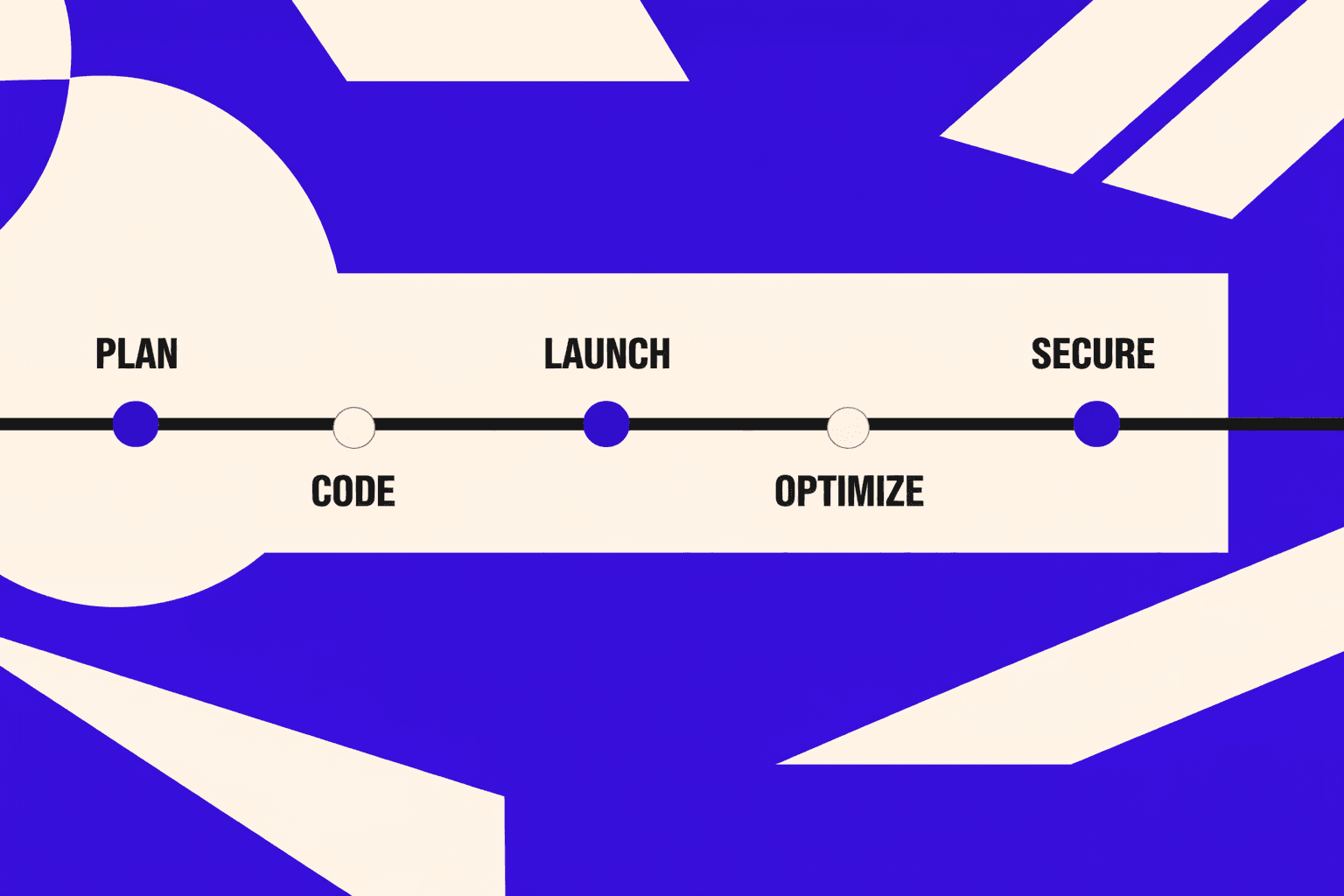
You can run a chrome seo audit without buying an enterprise suite. In this tutorial, you’ll build a repeatable, developer-friendly audit workflow using Chrome DevTools plus the MygomSEO tool. The goal is simple: find high-impact technical issues that keep a page stuck on page 2, fix them fast, and validate the win with evidence. You’ll start by establishing a baseline in DevTools: what Googlebot can render, which resources block content, which responses return the wrong status, and what performance signals are hurting real rankings. Then you’ll use MygomSEO to turn that data into a prioritized technical seo audit checklist you can ship in a sprint. By the end, you’ll have an audit checklist template, a “proof” bundle (screenshots, headers, waterfall data), and a deployment-safe testing plan. If you work on B2B sites, you’ll also learn how to prioritize fixes that support b2b content marketing pages that must convert, not just rank.
Canonical tags are one of the fastest ways to fix duplicate content and stabilize indexing signals. But they’re also easy to get wrong: missing tags, canonicals pointing to the wrong URL, or cross-domain canonicals that quietly deindex your pages. In this tutorial, you’ll build a repeatable workflow for canonical tag audits using Chrome DevTools (for truth-from-the-browser verification) and MygomSEO (for fast, engineering-grade sitewide checks). You’ll start from the simplest manual inspection, then scale up into an automated audit you can run on every release. By the end, you’ll be able to identify the “which version of a page should be indexed” decision for any URL, spot the most common canonical mistakes, and apply fixes with copy-paste code examples for static HTML, Next.js, and WordPress. You’ll also learn how to test canonicals before shipping and what to watch in production so search engines don’t index the wrong version again.
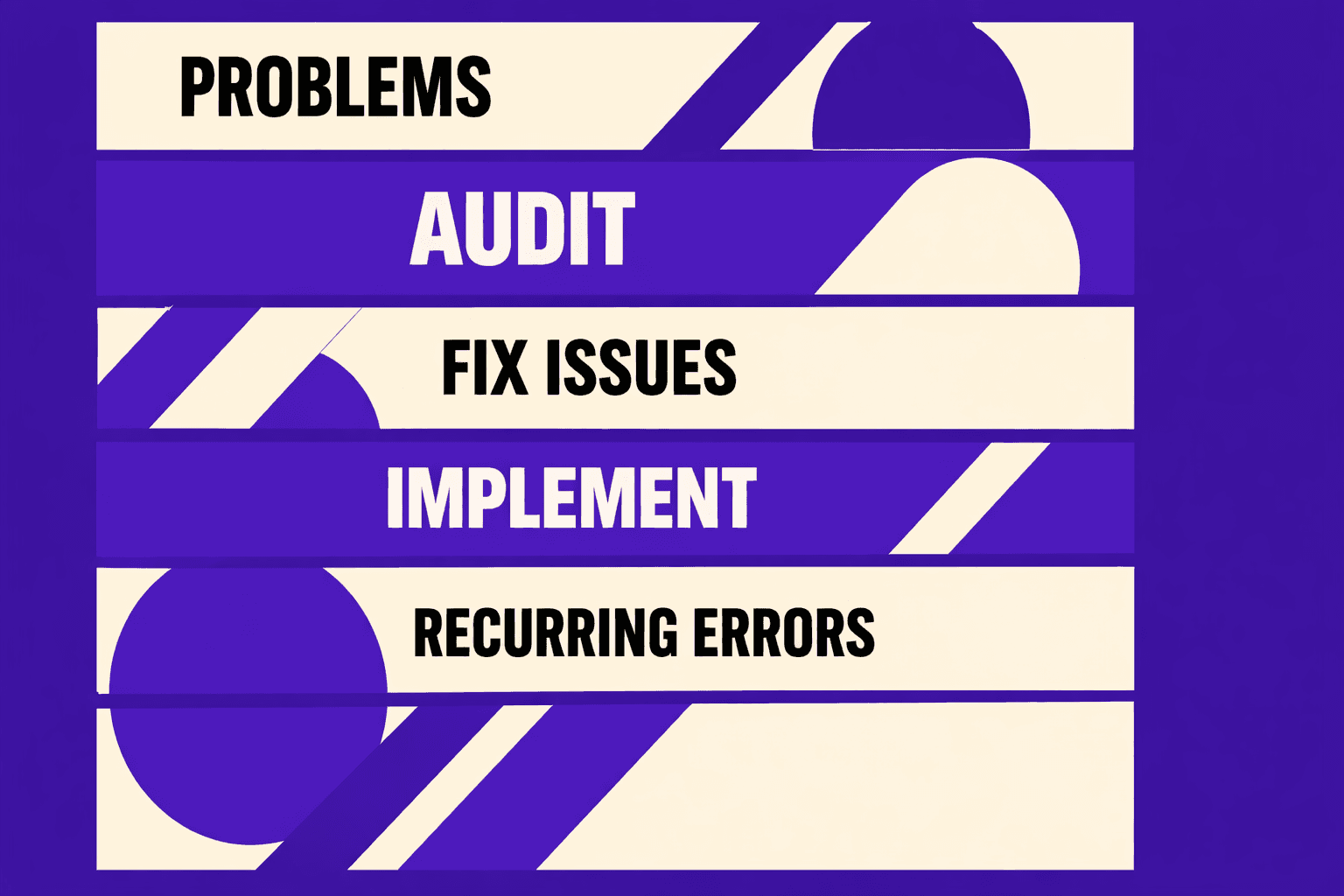
If your MygomSEO crawl looks scary, you are not alone. Most teams open an audit, see hundreds of “errors,” and then either ignore it or ship random “fixes” that do not move rankings. The result is predictable: wasted dev cycles, pages that stay stuck on page 3 or 4, and a site that keeps leaking crawl budget and link equity. In this guide, we show how we fix an SEO audit report fast using the same workflow we built into MygomSEO. We focus on the issues that actually block crawling, indexing, and ranking: broken links and redirect chains, missing or malformed meta signals, and slow pages that fail Core Web Vitals. Each fix is designed to be completed in under 30 minutes with copy-paste ready patterns for Apache, Nginx, and common CMS setups. We also share the implementation story behind our prioritization rules, plus the before-and-after metrics we track (crawl errors, index coverage, CWV, and average position) to push pages from the high 30s into the top 10.