How to Rank for 'Chrome SEO Audit' in 2026: Developer Checklist
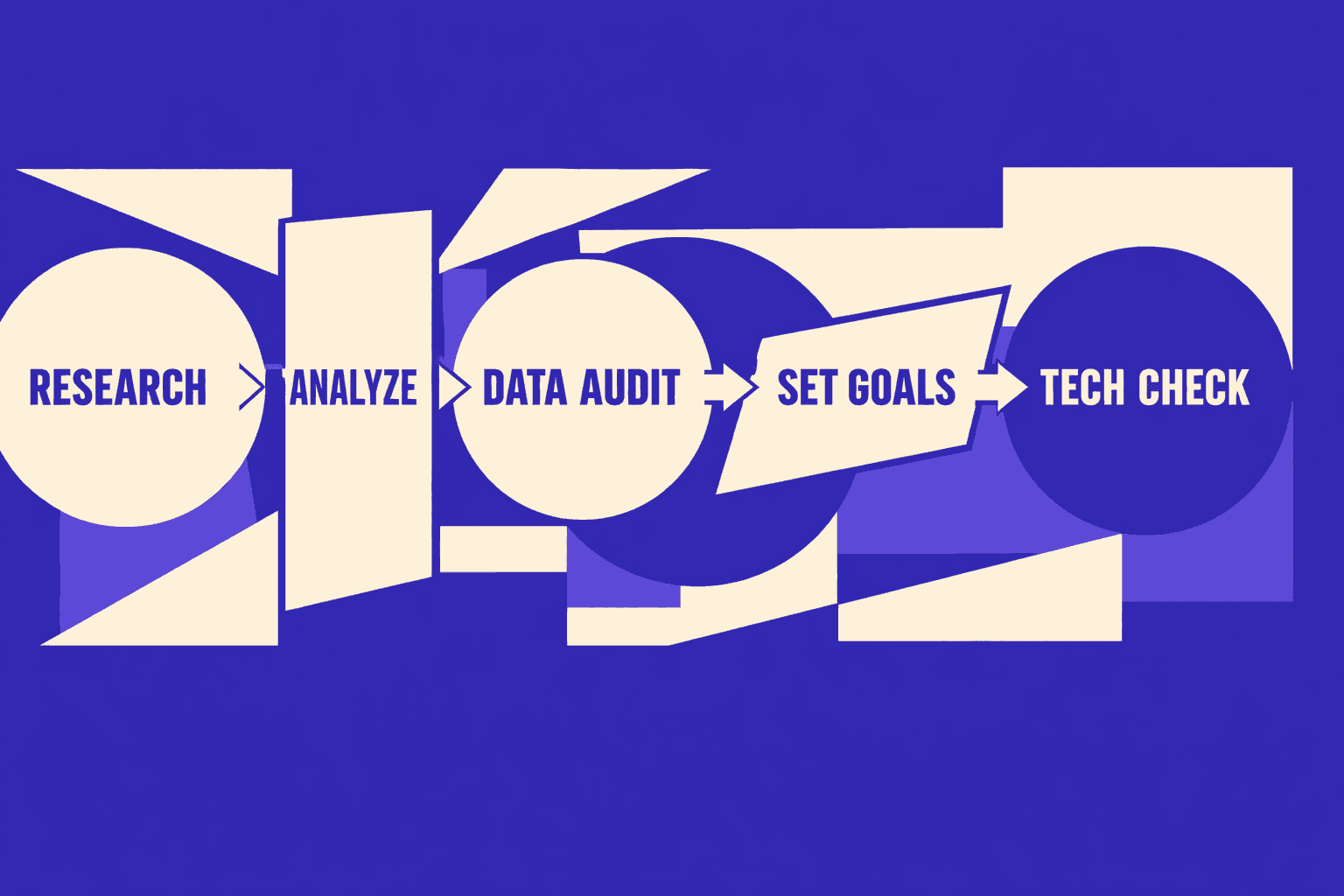
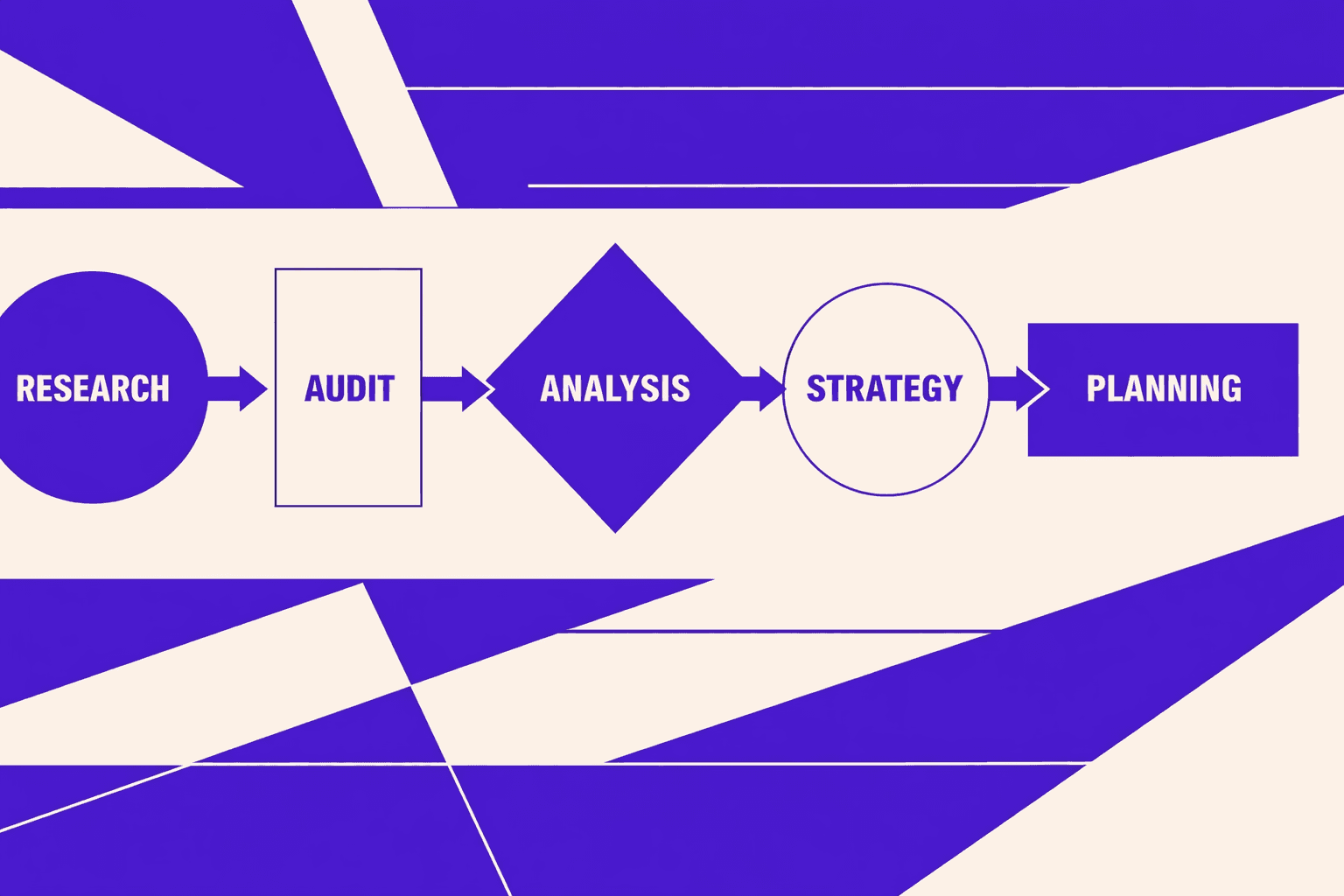
You can run a chrome seo audit without buying an enterprise suite. In this tutorial, you’ll build a repeatable, developer-friendly audit workflow using Chrome DevTools plus the MygomSEO tool. The goal is simple: find high-impact technical issues that keep a page stuck on page 2, fix them fast, and validate the win with evidence. You’ll start by establishing a baseline in DevTools: what Googlebot can render, which resources block content, which responses return the wrong status, and what performance signals are hurting real rankings. Then you’ll use MygomSEO to turn that data into a prioritized technical seo audit checklist you can ship in a sprint. By the end, you’ll have an audit checklist template, a “proof” bundle (screenshots, headers, waterfall data), and a deployment-safe testing plan. If you work on B2B sites, you’ll also learn how to prioritize fixes that support b2b content marketing pages that must convert, not just rank.